Learning how to create Instagram captions using AI opens up new possibilities for streamlining content creation while enhancing creativity. By leveraging advanced AI tools, users can generate compelling and personalized captions efficiently, saving valuable time and effort. This approach not only helps maintain consistency across posts but also allows for innovative expression tailored to specific audiences. Embracing AI-driven caption generation offers a strategic advantage in managing vibrant and engaging social media presence with ease.
This guide explores the essential steps, tools, and best practices for crafting effective Instagram captions through artificial intelligence, ensuring your content remains authentic, engaging, and aligned with your brand voice.
Overview of AI in Social Media Content Creation

Artificial Intelligence (AI) has revolutionized the way content is generated and managed across social media platforms, including Instagram. As visual and textual content become key drivers of engagement, AI-powered tools have emerged as invaluable resources for creators and marketers aiming to produce compelling captions efficiently and creatively.
By automating and streamlining the caption creation process, AI tools enable users to craft engaging, relevant, and personalized text snippets that resonate with their target audiences. This integration of advanced algorithms and natural language processing offers a strategic advantage in maintaining consistent output, optimizing engagement, and saving valuable time in content planning and execution.
AI Assistance in Generating Instagram Captions
AI tools leverage large datasets and sophisticated language models to generate captions that align with the tone, style, and context of a post. These tools analyze the visual content, hashtags, and previous engagement metrics to suggest captions that are not only creative but also optimized for increased visibility and interaction. This automation reduces the effort required to brainstorm and write captions manually, especially when managing multiple posts or campaigns.
| Benefit | Description | Example | Impact |
|---|---|---|---|
| Time-saving | AI-generated captions significantly reduce the time spent on brainstorming and writing, allowing users to focus on content quality and strategy. | Instead of spending 20 minutes crafting a caption, an AI tool suggests multiple options in seconds, enabling quick selection and posting. | Increases productivity and enables consistent posting schedules, enhancing overall social media presence. |
| Creativity Enhancement | AI introduces diverse phrasing, trending expressions, and innovative language patterns that inspire new caption ideas. | Generating captions like “Chasing sunsets and dreams” or “Unleashing my inner explorer” that users might not have come up with independently. | Fosters fresh and engaging content, attracting more followers and boosting engagement rates. |
| Personalization | AI tools customize captions based on user preferences, brand voice, and audience insights for more targeted communication. | Adjusting captions to match a fitness influencer’s energetic tone or a luxury brand’s sophisticated style. | Builds stronger connections with followers, improving brand loyalty and engagement. |
| Consistency and Optimization | AI can suggest optimal posting times and caption styles based on analytics, ensuring posts reach maximum audience engagement. | Recommending captions that include trending hashtags or call-to-actions, tailored for peak activity hours. | Enhances visibility and interaction, leading to increased follower growth and content reach. |
Selecting the right AI tools for Instagram captions
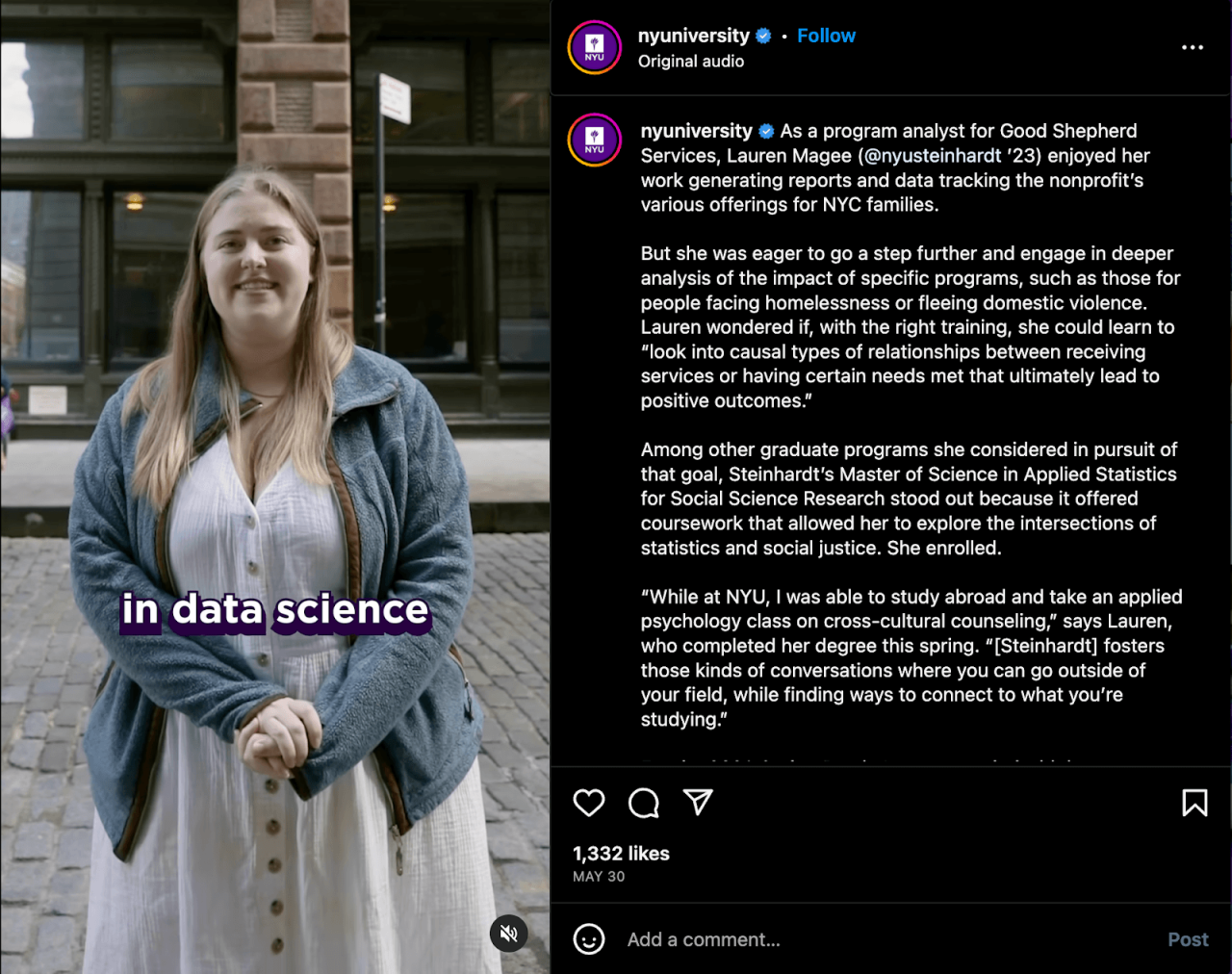
Choosing the appropriate AI platform for generating Instagram captions is essential to enhance engagement and maintain brand consistency. With a multitude of AI tools available, understanding their features, ease of use, and customization capabilities helps content creators and marketers make informed decisions tailored to their specific needs.
Evaluating various AI captioning tools involves comparing their functionalities, user interfaces, and flexibility in generating personalized content. This ensures that users can select a platform that aligns with their workflow, budget, and desired level of control over the output.
AI platforms and software suitable for caption generation
Several AI-driven tools have emerged as popular choices for automating Instagram caption creation. Notable options include:
- Kami by OpenAI: A versatile language model capable of generating creative, engaging, and contextually relevant captions. Its API allows for integration into social media management workflows and offers high levels of customization through prompts. Suitable for businesses seeking tailored content that aligns with brand voice.
- Copy.ai: An AI platform specifically designed for marketing content, including social media captions. It offers various templates and tone adjustments, making it ideal for users aiming for quick, high-quality caption ideas with minimal setup.
- Jasper (formerly Jarvis): Known for its user-friendly interface, Jasper provides AI-generated captions optimized for engagement and tailored to specific niches. It includes features like tone selection and integration, helping maintain consistency across posts.
- Writesonic: This platform provides an array of content creation tools, including social media caption generators. Its AI models can produce diverse caption styles, with options for customization based on tone, length, and audience demographics.
- Anyword: Focused on marketing and conversion optimization, Anyword’s AI generates captions designed to boost engagement and clicks. The platform includes predictive scoring and A/B testing features, valuable for refining caption performance over time.
Each of these tools offers unique advantages, making it essential to consider your specific needs such as editing flexibility, ease of integration, and budget constraints when selecting an AI platform for Instagram caption creation.
Comparison of features, usability, and customization options
| Tool Name | Key Features | Pricing | User Experience |
|---|---|---|---|
| Kami by OpenAI |
|
Pay-as-you-go or subscription plans; free tier available with limitations | Intuitive interface for prompt input; requires some familiarity for advanced customization |
| Copy.ai |
|
Starts at approximately $35/month; free trial available | User-friendly with guided workflows; suitable for beginners |
| Jasper |
|
Starts around $49/month; free trial available | Clean interface with easy navigation; designed for marketers and creators |
| Writesonic |
|
Plans starting at $15/month; free credits included | Accessible and straightforward; suitable for small teams and solo creators |
| Anyword |
|
Pricing begins at $99/month; custom enterprise plans available | Intuitive dashboard with actionable insights; ideal for data-driven marketers |
Step-by-step process to create Instagram captions using AI
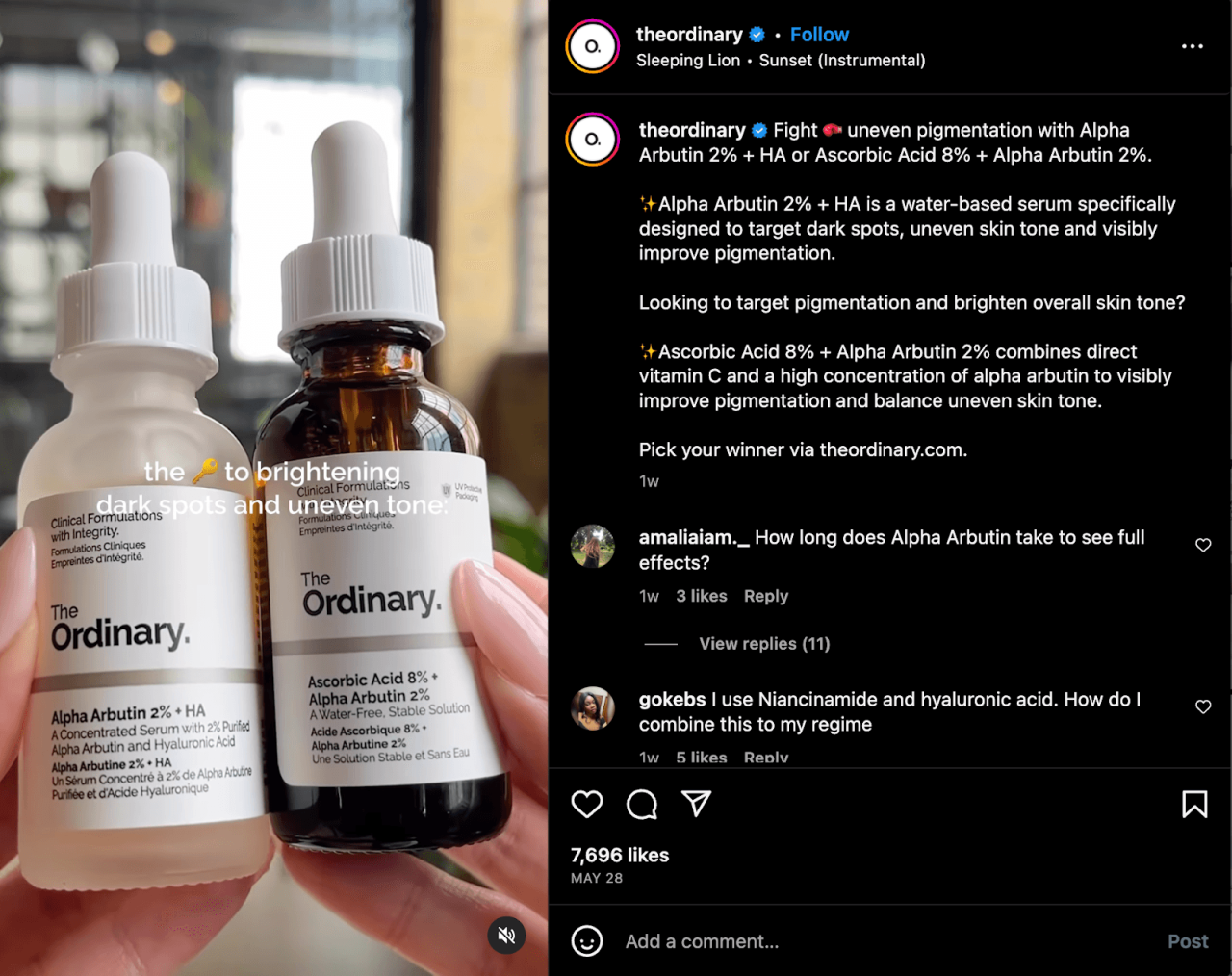
Creating compelling Instagram captions efficiently is essential for engaging your audience and maintaining a consistent brand voice. Leveraging AI tools simplifies this process, enabling users to generate creative, relevant, and captivating captions with minimal effort. This step-by-step guide Artikels the procedures to input data into AI tools, refine the output, and tailor captions for maximum engagement and authenticity.AI-powered caption creation involves several key stages, starting from preparing the right input data to editing and personalizing the generated content.
By following these steps, marketers, content creators, and social media managers can streamline their workflow while ensuring the captions resonate with their target audience.
Input Preparation
Effective caption generation begins with gathering and organizing the necessary data to feed into AI tools. The quality and clarity of your input directly influence the relevance and creativity of the output.
- Define the Purpose and Tone: Clearly identify whether the caption aims to inform, entertain, inspire, or promote. Decide on a tone that aligns with your brand voice—whether casual, professional, humorous, or motivational.
- Gather Contextual Information: Provide details about the post, such as the image content, event, location, or campaign theme. For example, if the image features a beach sunset, mention that in your input.
- Include s and Hashtags: Incorporate relevant s, trending hashtags, or brand-specific tags to guide the AI in generating targeted captions.
- Specify Length and Style Preferences: Indicate whether you prefer short, punchy captions or longer, storytelling styles. Mention any stylistic elements like emojis or call-to-actions.
Explaining Design
Providing clear and detailed instructions helps AI tools produce captions that are aligned with your creative vision.
- Use Structured Prompts: Frame your input with explicit instructions, such as “Create a lively caption about a sunset beach trip with hashtags and emojis,” or “Generate a professional caption promoting a new product.”
- Incorporate Examples: If possible, share examples of previous successful captions or specify the tone using sample phrases. This assists the AI in mimicking your preferred style.
- Define Target Audience: Mention demographic details such as age group, interests, or location to tailor the caption’s language and appeal appropriately.
Caption Generation
Once the input data and instructions are prepared, your AI tool is ready to generate caption options.
- Input Data into AI Tool: Paste or upload your structured prompts and relevant information into your chosen AI caption generator. Many tools allow direct text input or integration with content management platforms.
- Adjust Settings for Diversity and Creativity: Set parameters such as tone, creativity level, or maximum length to refine the output style. Some tools enable multiple variations to choose from.
- Generate Captions: Initiate the process and review the options provided. Select the captions that best align with your brand voice and campaign goals.
Editing & Refinement
AI-generated captions may require editing to ensure authenticity, engagement, and alignment with your overall message.
- Review for Authenticity: Personalize the caption by adding unique brand elements, local references, or personal touches that AI might not include naturally.
- Enhance Engagement: Incorporate questions, call-to-actions, or trending hashtags to encourage interaction from your audience.
- Check for Clarity and Tone: Read the caption aloud to verify it sounds natural and matches your intended tone. Adjust phrasing as needed to improve readability and impact.
- Optimize for and Reach: Ensure the caption includes relevant s and hashtags, but avoid overstuffing. Use line breaks or emojis strategically to improve visual appeal.
- Proofread for Grammar and Spelling: Conduct a final review to eliminate errors, ensuring professionalism and credibility in your posts.
Integrating AI-generated captions into Instagram posts
Effective integration of AI-generated captions into your Instagram content workflow streamlines the process of publishing engaging posts. This approach not only saves time but also ensures consistency and quality in your messaging. By seamlessly incorporating AI-created captions, social media managers and content creators can focus more on creative aspects while maintaining a steady posting schedule.
To achieve a smooth integration, it is essential to understand the procedures for incorporating AI-generated captions into your existing tools and platforms. Utilizing social media management platforms that support scheduling and direct posting capabilities simplifies the process. This section Artikels the key steps involved in embedding AI-generated captions into your Instagram posts, from preparation to publication.
Procedures for integrating AI-generated captions into Instagram content workflows
Integrating AI-generated captions into your Instagram posts involves a sequence of organized steps that ensure efficiency and accuracy. These steps facilitate a smooth transition from caption creation to the final publication, leveraging various tools and platforms designed for social media management.
| Step | Action | Tool/Platform | Notes |
|---|---|---|---|
| 1 | Retrieve AI-generated caption | AI caption generator (e.g., OpenAI GPT, Jasper, Copy.ai) | Ensure the caption aligns with the visual content and brand voice before proceeding. |
| 2 | Prepare Instagram post draft | Social media management platform (e.g., Buffer, Hootsuite, Later, Meta Business Suite) | Upload the visual content (images/videos) associated with the caption. |
| 3 | Insert AI-generated caption into the post | Within the platform’s post creation or scheduling interface | Copy and paste or directly integrate the caption, ensuring proper formatting and hashtags. |
| 4 | Schedule or publish the post | Social media management platform or Instagram app | Configure the date and time for posting, or publish immediately if desired. |
| 5 | Monitor post performance | Analytics tools within social media platform or third-party analytics | Track engagement metrics to evaluate caption effectiveness and inform future AI prompts. |
By following this structured approach, content creators can efficiently incorporate AI-generated captions into their Instagram workflows, ensuring timely and engaging posts that resonate with their audience. Leveraging the capabilities of social media management tools allows for automation and better organization, ultimately enhancing content quality and consistency.
Ethical considerations and originality in AI caption creation

Creating engaging Instagram captions using AI offers numerous benefits, from efficiency to creativity. However, it is essential to address ethical considerations to maintain integrity and authenticity in social media content. Ensuring that AI-generated captions respect originality and avoid plagiarism helps build trust with your audience and upholds your brand’s credibility.When leveraging AI tools for caption creation, it is crucial to be mindful of ethical practices that prioritize authenticity.
AI can generate highly persuasive and contextually relevant content, but without proper oversight, there is a risk of unintentionally copying existing material or producing generic outputs that lack personal touch. Maintaining originality not only differentiates your content but also aligns with intellectual property rights, avoiding legal issues that can arise from duplicated content.
Ensuring originality and maintaining authenticity in AI-generated captions
To harness the power of AI responsibly, content creators should adopt specific strategies that promote originality and authenticity. These methods help ensure that AI-generated captions are both creative and true to the creator’s voice, fostering genuine engagement among followers.
- Verify Outputs: Always review and fact-check AI-generated captions before publishing. Cross-reference phrases or sentences with trusted sources to ensure content is accurate and not inadvertently plagiarized. Utilizing plagiarism detection tools can also help identify unintentional similarities with existing content.
- Customize and Explain: Personalize AI suggestions by adding unique insights, experiences, or brand-specific language. Alter generic phrases to reflect your voice, and include explanations or anecdotes that connect with your audience, making the caption more relatable and genuine.
- Add Personal Touches: Incorporate emojis, hashtags, or stylistic elements that resonate with your brand identity. Sharing behind-the-scenes details or your personal perspective can transform a generic caption into one that feels authentic and original.
“AI-generated content should serve as a foundation or inspiration, not the final product. Personalization and verification are key to maintaining authenticity and avoiding plagiarism.”
Adhering to these guidelines ensures that AI enhances your content creation process responsibly—delivering captions that are both innovative and true to your unique brand voice, while respecting intellectual property rights and fostering trust with your audience.
Closing Summary
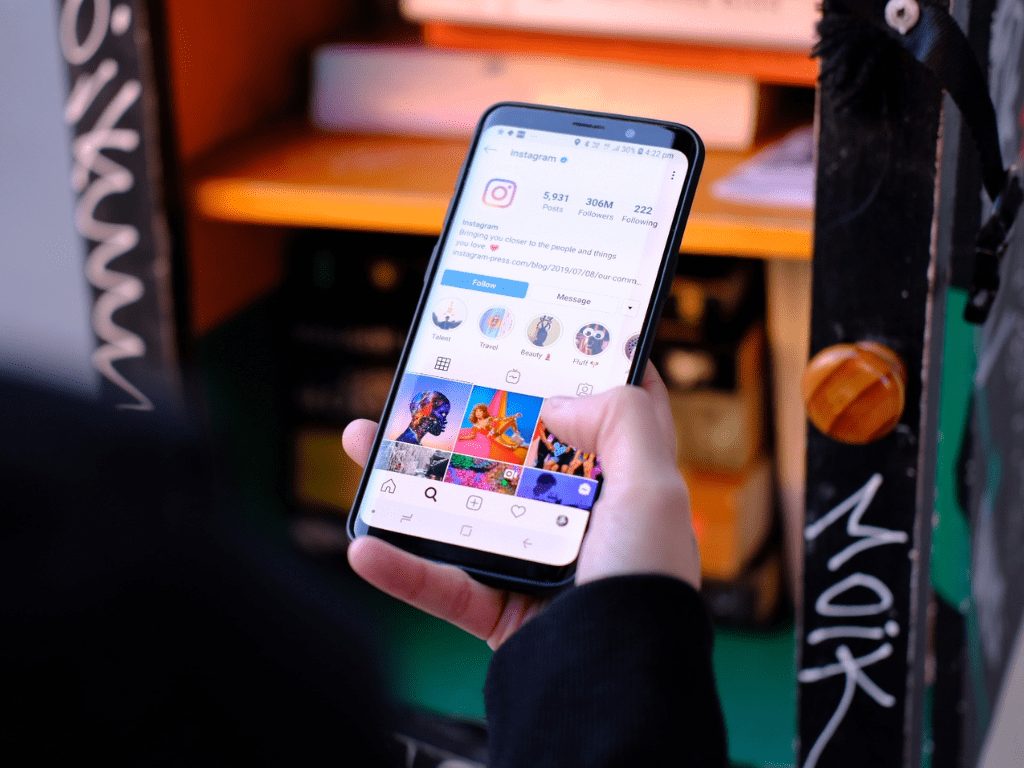
Mastering how to create Instagram captions using AI can significantly elevate your social media strategy. By selecting the right tools, crafting clear instructions, and refining generated content, you can produce captivating captions that resonate with your audience. Incorporating AI thoughtfully into your workflow not only enhances efficiency but also preserves your authentic voice, leading to sustained engagement and growth on Instagram.