Discover the innovative approach of creating compelling product demo videos through artificial intelligence. This method streamlines video production, making it more efficient and accessible for marketing and training purposes. As AI technology advances, it offers exciting possibilities to generate high-quality visual content with minimal manual effort, transforming the way businesses showcase their products.
This guide provides an in-depth overview of selecting suitable AI tools, preparing content, designing scripts and storyboards, automating the creation process, and enhancing videos with branding elements. Whether you are a beginner or looking to optimize your existing workflows, understanding these steps will help you produce engaging and professional product demonstration videos using AI technology.
Overview of AI-Generated Product Demo Videos
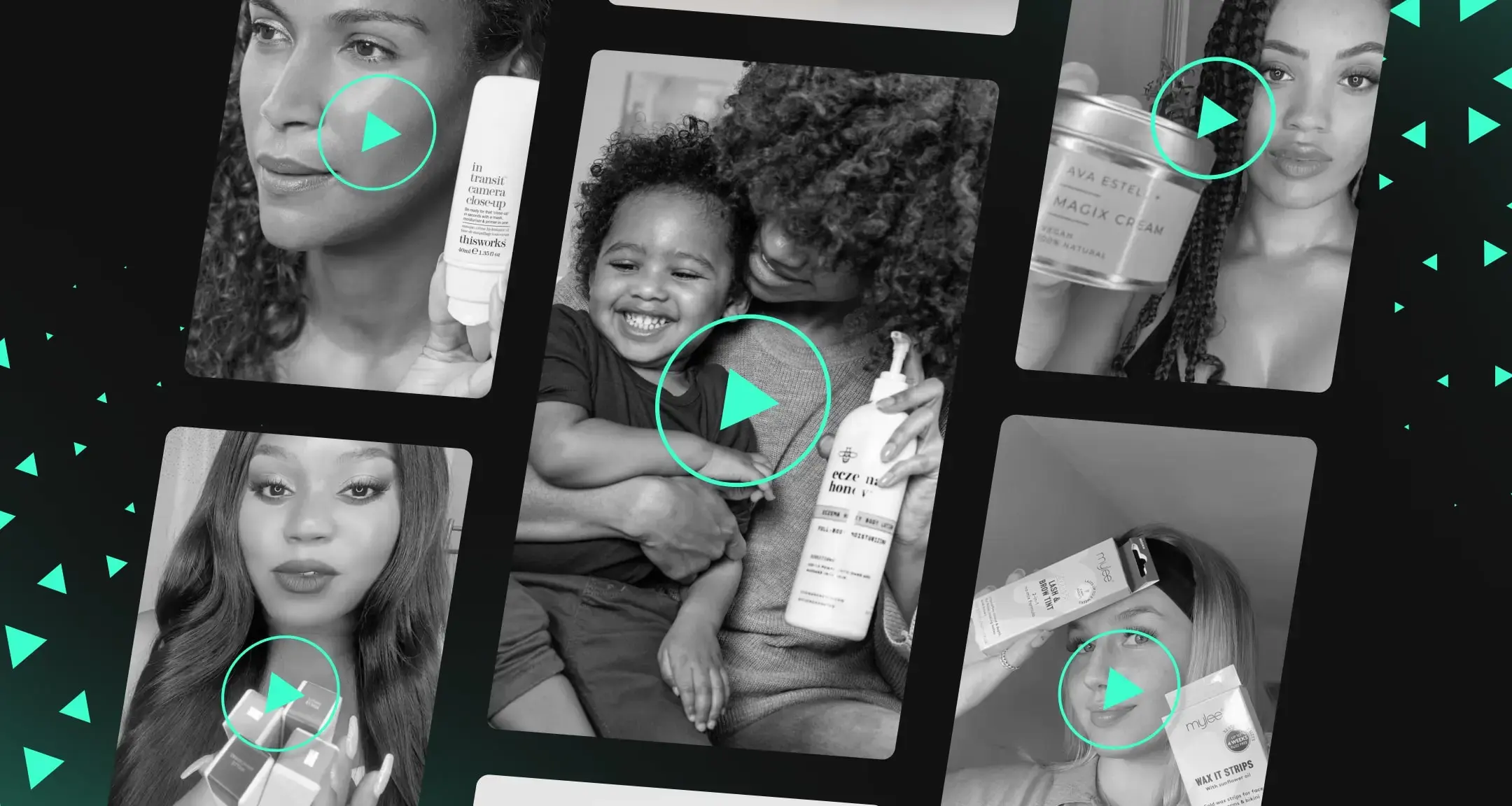
Artificial Intelligence (AI) has revolutionized the way businesses create and present product demonstration videos. By leveraging AI technologies, companies can produce high-quality, engaging videos with reduced time and resource investment. These AI-powered solutions enable the automation of various aspects of video creation, from scripting and animation to voiceovers and editing, making the process more efficient and accessible.
Integrating AI into video production offers numerous benefits for marketing and training purposes. It allows for rapid customization tailored to target audiences, dynamic updates to product features, and scalable content creation that was previously labor-intensive. As a result, organizations can maintain a consistent content pipeline, enhance viewer engagement, and improve knowledge retention among users.
Current Trends and Innovations in AI-Powered Video Creation
The landscape of AI-driven video production is continuously evolving with innovative tools and methodologies. Recent trends include the use of deep learning algorithms for realistic animated avatars that can interact naturally, and AI-generated voice synthesis that produces human-like narration in multiple languages. Companies are also employing computer vision to analyze visual content and optimize video quality automatically.
Emerging technologies such as generative adversarial networks (GANs) enable the creation of highly realistic virtual environments and product simulations. Additionally, AI-driven analytics are now integrated to assess viewer engagement and preferences, guiding the customization of future videos. Notable examples include platforms like Synthesia and Lumen5, which utilize AI to transform simple scripts into professional-grade videos swiftly, exemplifying the shift towards more democratized and automated content creation in the digital marketing sphere.
Selecting AI Tools for Creating Product Demo Videos
Choosing the appropriate AI platform or software is a critical step in producing high-quality product demo videos efficiently. The market offers a variety of tools, each with unique features, usability, and pricing models. Making an informed selection ensures that your video content aligns with your technical requirements and budget constraints, ultimately enhancing your product presentation and customer engagement.
When evaluating AI tools for video generation, it is essential to consider factors such as ease of use, customization options, output quality, integration capabilities, and overall cost. Many platforms also provide templates, voiceovers, and animation features that can significantly streamline the video creation process. Comparing these aspects helps identify the most suitable solution tailored to your specific needs, whether you’re a small business or a large enterprise.
Popular AI Platforms and Software for Product Video Generation
The following are some of the leading AI-powered platforms and software options designed to facilitate the creation of compelling product demo videos. These tools leverage artificial intelligence to automate various stages of video production, from scripting and voiceover to animation and editing.
| Tool/Platform | Features | Cost | Compatibility |
|---|---|---|---|
| Synthesia |
|
Starting at $30/month for basic plans; enterprise options available | Web-based, Windows, MacOS, iOS, Android |
| Lumen5 |
|
Free plan with limited features; paid plans from $49/month | Web-based, Compatible with all modern browsers |
| Pictory |
|
Plans start at $19/month; premium options available | Web-based, compatible with Windows and MacOS |
| Animoto |
|
Personal plan at $8/month; Professional at $33/month | Web-based, iOS, Android |
| InVideo |
|
Free plan with watermark; Paid plans from $15/month | Web-based, compatible with all major browsers |
Each of these tools offers distinct advantages. For instance, Synthesia’s focus on avatar-led narration makes it ideal for personalized product demonstrations, while Lumen5 and Pictory excel in transforming textual content into engaging videos with minimal effort. Animoto provides user-friendly templates suitable for quick social media videos, whereas InVideo offers versatile customization options suitable for professional-grade productions.
Tip: Carefully assess your project requirements, such as the need for voice narration, customization, or integration capabilities, to select the most fitting AI tool for your product demo videos.
Designing the Script and Storyboard with AI Assistance
Creating an engaging and effective product demo video begins with meticulous script and storyboard development. Leveraging AI tools in this phase enhances efficiency, accuracy, and creativity, enabling producers to craft compelling narratives and visually plan scenes with ease. AI-driven solutions facilitate the generation of detailed scripts tailored to target audiences and provide visual frameworks that streamline the production process, ultimately resulting in more persuasive and polished product demonstrations.An essential aspect of utilizing AI in script and storyboard design involves automating the development of scene descriptions and visual sequences.
AI-powered natural language processing (NLP) models can analyze product features, descriptions, and target audience preferences to produce coherent, engaging scripts. These models can suggest persuasive key messages, highlight unique selling points, and ensure consistency throughout the narrative. Additionally, AI tools can generate visual storyboards by translating script elements into scene visualizations, reducing manual effort and expediting the pre-production phase.
Crafting Compelling Scripts with AI Explainings
AI explainings, powered by large language models, serve as invaluable resources for developing compelling scripts for product demos. By inputting product specifications, target audience details, and desired messaging, users can receive well-structured, persuasive dialogue and narration scripts. These AI-generated scripts often include suggestions for tone, pacing, and emphasis, ensuring the content resonates with viewers and highlights key product benefits effectively.For example, an AI system might analyze a smartphone’s features and produce a script emphasizing its camera capabilities, battery life, and sleek design, tailored to tech-savvy audiences.
Users can further refine these scripts by adjusting parameters such as formality or emotional tone, resulting in personalized content that aligns with branding goals. This approach not only accelerates the scripting process but also enhances the quality and impact of the final product demo.
Visualizing Storyboards and Scene Sequences Automatically
Automating the visualization of storyboards and scene sequences is crucial for efficient pre-production planning. AI tools can convert script elements into visual representations, creating scene sketches or layouts that depict camera angles, character positions, and key visual effects. These visualizations enable teams to identify potential issues early and make necessary adjustments before filming begins.Using AI, scene descriptions can be systematically translated into visual sequences with a tabular format that includes scene number, description, and visual elements.
This structured approach provides clarity and facilitates communication among team members. For instance, a table might detail:
| Scene Number | Description | Visual Elements |
|---|---|---|
| 1 | Introduction of the product with close-up on the device’s front panel | Close-up shot, soft lighting, product centered |
| 2 | Demonstration of key feature: quick charging capability | Split-screen showing charging speed, animated indicators |
| 3 | User testimonial emphasizing overall satisfaction | Medium shot of user, background of modern workspace |
The ability to generate such tables automatically from the script ensures consistent visualization, improves team collaboration, and accelerates the storyboard approval process. AI-driven visualization tools utilize deep learning algorithms to interpret script content and create accurate scene previews, significantly reducing manual drawing efforts and enabling rapid iterations for optimizing scene flow.
Automating Video Creation with AI
Leveraging AI technology to automate the process of creating product demo videos significantly enhances efficiency, consistency, and scalability. By inputting content into AI-powered platforms and utilizing their advanced features, creators can produce professional-quality videos with minimal manual intervention. This approach not only accelerates the production timeline but also allows for easy adaptation and customization to suit different marketing needs.
Automation in video creation involves systematic steps that guide users through uploading content, customizing visual and auditory elements, and organizing the video structure effectively. Understanding these procedures ensures that even novices can harness AI tools to generate compelling product demos seamlessly, saving time and resources while maintaining high production standards.
Inputting Content into AI Video Platforms
The first step in automating video creation is to prepare and input your core content into the chosen AI platform. This involves several key actions:
- Gather all relevant content, including product images, videos, textual descriptions, and key features to be showcased.
- Access the AI video platform and create a new project or workspace, ensuring you select the appropriate template tailored for product demos.
- Import or upload product visuals and media files into the platform’s content library, organizing them in a logical manner.
- Input the script or narration content, either by directly typing or uploading a script file, depending on the platform’s capabilities.
- Configure metadata and tags to facilitate easy editing and retrieval during the editing process.
Once content is uploaded, the AI platform can analyze and process it to generate an initial video draft, which can then be further refined through customization options.
Customizing Animations, Transitions, and Voiceovers Using AI Features
Modern AI video platforms offer a variety of features to personalize and enhance the visual and auditory appeal of your product demo. These features enable users to tailor animations, transitions, and voiceovers efficiently:
- Animations: Select from a library of AI-generated animations that can be applied to product images and text. AI can suggest animated effects that highlight key features or demonstrate product usage dynamically.
- Transitions: Customize the flow between scenes using AI-suggested transition effects such as fades, slides, or wipes. The AI can analyze scene content and recommend transitions that maintain viewer engagement and coherence.
- Voiceovers: Use AI-powered text-to-speech (TTS) engines to generate natural-sounding narration. Adjust pitch, speed, and tone to match your brand voice. Some platforms also allow uploading pre-recorded voice files for seamless integration.
These AI-driven customization tools significantly reduce manual editing time, enabling rapid iteration and refinement of the demo video to achieve a polished, professional appearance.
Organizing Video Sections into HTML Table Columns: Scene, Action, Visuals, Audio
Effective organization of your video content into structured segments ensures clarity and coherence throughout the production process. An organized approach can be achieved by creating a detailed storyboard in the form of an HTML table with specific columns:
| Scene | Action | Visuals | Audio |
|---|---|---|---|
| Introduction | Show product logo and brief overview | High-resolution product image with animated logo fade-in | Voiceover introduces the product with a welcoming tone |
| Feature Showcase | Demonstrate key features in sequence | Short clips of product in action, with animated callouts highlighting features | Explainer narration describing each feature in detail |
| Usage Scenario | Showcase real-life application | Customer scenario with contextual visuals and smooth transitions | Background narration explaining benefits in context |
| Call to Action | Encourage viewer to purchase or learn more | Product contact info and website appearing with animated effects | Persuasive voiceover urging action |
By organizing content this way, creators can clearly define each scene’s purpose, action, visual elements, and accompanying audio. This structure facilitates streamlined editing and ensures the final product delivers a cohesive message to the target audience.
Enhancing and Personalizing AI-Generated Videos
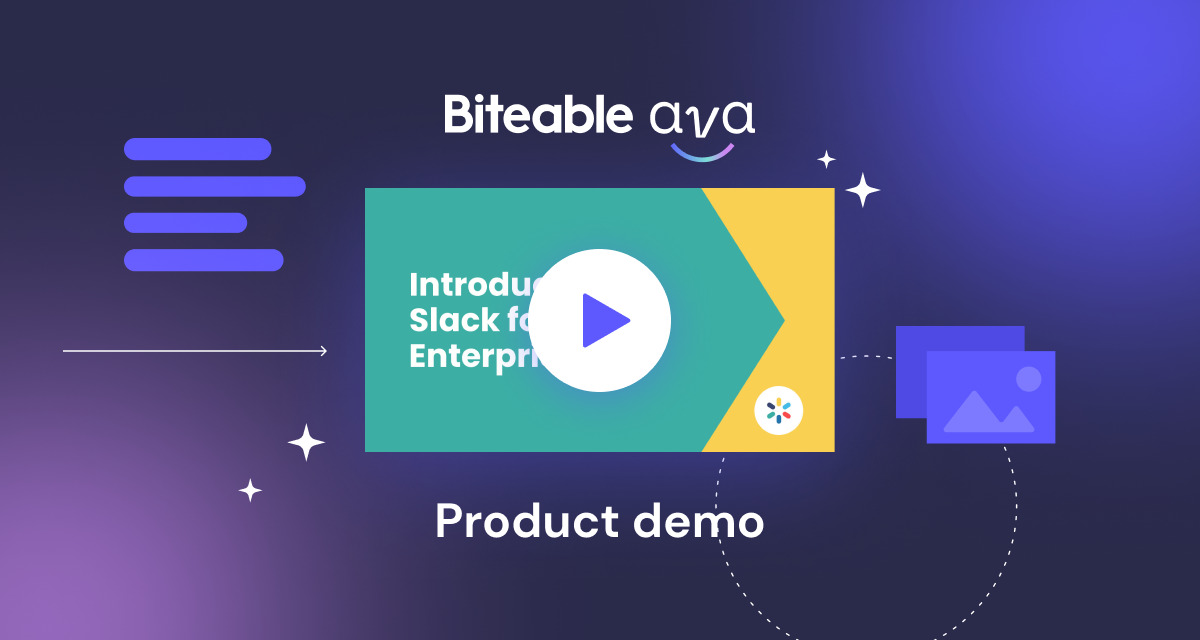
Creating engaging and memorable product demo videos involves more than just automated content generation. Personalization and branding are essential to align the videos with your company’s identity and resonate with your target audience. By leveraging AI tools for customization, businesses can produce professional, tailored videos efficiently, ensuring consistency with brand standards and audience preferences.Incorporating branding elements and personalized touches into AI-generated videos enhances their impact and reinforces brand recognition.
AI tools offer versatile editing capabilities that enable fine-tuning of visual and audio elements, ensuring the final product adheres to your exact specifications. Additionally, dynamic text overlays and annotations can be seamlessly integrated to emphasize key features, improve clarity, and guide viewers through your product’s functionalities, making the demonstration more engaging and informative.
Adding Branding Elements like Logos, Colors, and Slogans
Effective branding integration is vital for reinforcing brand identity within product demo videos. AI tools facilitate the incorporation of logos, color schemes, and slogans with a high degree of customization and ease.
- Logo Placement: Many AI video editors allow you to upload your logo and position it strategically within the video—commonly in corners or as a watermark—to maintain visibility without distracting viewers.
- Color Schemes: Adjusting the video’s color palette to match your brand’s primary and secondary colors ensures visual consistency. Some AI platforms offer templates or style presets aligned with specific brand guidelines.
- Slogans and Taglines: Text overlays featuring slogans can be dynamically inserted at key moments, such as during product highlights or closing sequences, to reinforce messaging.
“Consistent branding across videos enhances brand recall and establishes a professional, cohesive image.” – Industry Branding Expert
Editing Options Provided by AI Tools for Fine-Tuning Videos
AI-powered editing tools offer a range of options that allow for precise adjustments, ensuring the produced videos meet quality standards and effectively communicate your message.
- Color Correction and Enhancement: AI algorithms can automatically adjust brightness, contrast, and saturation to improve visual quality, especially when sourcing footage from varied environments.
- Audio Editing: Noise reduction, volume balancing, and voice enhancement features help achieve clear, professional soundtracks without the need for extensive manual editing.
- Scene Trimming and Cropping: AI can identify and remove unnecessary segments or focus on specific areas, streamlining the viewer’s experience and emphasizing important content.
- Visual Effects and Transitions: Applying smooth transitions and visual effects can add polish and professionalism, guiding viewers seamlessly through the demo.
Methods to Incorporate Dynamic Text Overlays and Annotations
Dynamic text overlays and annotations are powerful tools for highlighting features, providing explanations, and maintaining viewer engagement. AI platforms support structured and automated incorporation of these elements, enhancing clarity and interaction.
- Automated Text Placement: AI can analyze scenes and suggest optimal positions for text overlays, ensuring they are visible and do not obstruct key visuals.
- Timed Annotations: Text and annotations can be synchronized with specific actions or speech, emphasizing critical points exactly when needed, which is particularly useful for complex product features.
- Customizable Styles: Dynamic overlays can be styled with your brand fonts, colors, and effects to maintain consistency and visual appeal throughout the video.
- Interactive Elements: Some AI tools enable the addition of clickable annotations or pop-ups, allowing viewers to access additional information or links directly within the video.
Incorporating these techniques not only personalizes your product demo videos but also elevates their professionalism and effectiveness, resulting in a more engaging experience for your audience and a stronger connection with your brand.
Exporting and Sharing Product Demo Videos
After creating compelling product demo videos using AI, the final step involves exporting and distributing these videos effectively to maximize reach and engagement. Proper exporting ensures that videos are of optimal quality for various platforms, while strategic sharing amplifies their impact across targeted audiences. Understanding best practices for exporting and choosing suitable distribution channels is essential for achieving professional results and increasing product visibility.
Effective exporting and sharing involve selecting appropriate formats, resolutions, and quality settings tailored to each platform’s specifications. Additionally, leveraging multiple distribution channels such as websites, social media platforms, and email campaigns can significantly enhance audience engagement and conversion rates. Implementing these practices ensures your AI-generated product demos reach the right viewers with maximum clarity and impact.
Best Practices for Exporting Videos in Various Formats and Resolutions
Choosing the correct format and resolution is critical to ensure your demo videos are compatible with diverse viewing devices and platforms. High-quality exports improve viewer experience and reduce the need for re-encoding or adjustments later. Generally, the recommended formats include MP4 (H.264 codec), which offers broad compatibility and good compression efficiency, making it ideal for web use and social media sharing.
When exporting videos, consider the target platform’s specifications. For example, social media channels like Instagram and Facebook favor square or vertical videos with resolutions such as 1080×1080 pixels or 1080×1920 pixels, respectively. You should also maintain a balance between resolution and file size to guarantee quick loading times without sacrificing quality. Export settings should be tailored based on the intended use, whether for high-definition presentations or quick social media uploads.
Organizing Distribution Channels for Maximum Reach
Effective distribution involves leveraging multiple channels to reach diverse audiences. Your website acts as a central hub for viewers seeking detailed product information, while social media platforms facilitate broader engagement and sharing. Email campaigns serve as targeted outreach, allowing direct communication with potential customers or existing clients. Each channel requires a tailored approach to optimize viewer engagement and response.
Ensuring consistency in branding and messaging across all channels enhances recognition and trust. Incorporating call-to-actions (CTAs) encourages viewers to visit your website, subscribe to newsletters, or make purchases. Additionally, scheduling content strategically across platforms at optimal times can increase visibility and interaction, making your AI-generated demo videos more effective in meeting marketing objectives.
Recommended Platforms and Optimal Sharing Parameters
To streamline your sharing process, a table summarizing popular platforms, their preferred video specifications, and optimal parameters can be invaluable. This helps in preparing your videos to meet each platform’s technical requirements, ensuring high quality and compatibility.
| Platform | Recommended Video Format | Optimal Resolution | Maximum File Size | Additional Notes |
|---|---|---|---|---|
| YouTube | MP4 (H.264) | 1920×1080 (Full HD) | 128 GB (for long videos) | Use descriptive titles, tags, and engaging thumbnails for better visibility |
| MP4 (H.264) | 1280×720 (HD) | 4 GB | Vertical videos (9:16) perform well on mobile devices | |
| MP4 (H.264) | 1080×1080 (Square) or 1080×1920 (Stories) | 4 GB | Use shorter videos (up to 60 seconds for feed, up to 15 seconds for Stories) | |
| MP4 (H.264) | 1920×1080 (Full HD) | 200 MB | Focus on professional tone and clear messaging | |
| Email Campaigns | MP4 or GIF (for shorter clips) | Varies; optimized for email client display | Less than 10 MB for quick loading | Embed or link to hosted videos to avoid email size limitations |
Tips for Creating Effective AI-Generated Product Demos
Creating compelling AI-generated product demos requires a strategic approach that combines clarity, visual appeal, and audience engagement. Well-executed demos not only showcase the product’s features but also foster trust and inspire action from viewers. Leveraging AI tools effectively can enhance these aspects, resulting in professional and impactful videos that resonate with your target audience.In this section, we explore essential tips that ensure your AI-generated product demos are both effective and memorable.
From crafting clear scripts to optimizing viewer feedback, these insights help you refine your videos for maximum engagement and conversion.
Ensuring Script Clarity and Conciseness
A clear and concise script forms the backbone of an effective demo. The script should focus on the key features and benefits of the product, avoiding jargon and overly technical language unless appropriate for the target audience. AI tools can assist in simplifying complex explanations by suggesting clearer phrasing and summarizations.To enhance script clarity:
- Prioritize the core message and avoid unnecessary details that can distract viewers.
- Use simple language to make the content accessible to a broader audience.
- Incorporate storytelling elements to make the demo relatable and engaging.
- Utilize AI-powered grammar and readability checkers to refine the script before production.
A well-structured script improves viewer comprehension and retention, leading to higher engagement rates.
Enhancing Visual Appeal and Clarity
Visuals play a crucial role in demonstrating product features effectively. AI-driven video creation tools offer various templates, animations, and visual effects that can make demos more attractive and easier to understand.To maximize visual impact:
- Use high-quality visuals and consistent branding elements such as colors, fonts, and logos.
- Employ animations to highlight key features dynamically, capturing viewer attention.
- Incorporate clear annotations and on-screen text to reinforce spoken explanations.
- Leverage AI to generate customized visuals based on product specifications, ensuring the content aligns perfectly with the script.
A visually appealing demo not only attracts viewers but also helps in clearly conveying complex product functionalities.
Engaging Audience Through Interactive Elements
Audience engagement is vital for the success of product demos. Interactive elements such as clickable links, embedded polls, or call-to-action prompts can boost viewer interaction.Effective strategies include:
- Embedding clickable elements within videos to guide viewers to additional resources or purchase pages.
- Using AI to personalize content based on viewer data, such as regional preferences or browsing history.
- Incorporating feedback prompts within the demo to gather viewer opinions and preferences.
- Testing different versions of the demo with focus groups or small audiences to identify the most engaging format.
This approach helps maintain viewer interest and increases the likelihood of achieving desired outcomes.
Testing and Optimizing Based on Viewer Feedback
Continuous improvement of product demos relies heavily on analyzing viewer feedback and performance metrics. AI analytics tools can provide insights into viewer behavior, such as watch time, drop-off points, and engagement rates.To optimize demos:
- Monitor key metrics using AI-powered analytics platforms to identify areas needing improvement.
- Gather direct feedback through surveys or comments integrated into or following the video.
- Apply A/B testing by creating multiple versions of the demo to see which performs better regarding clarity, engagement, and conversion.
- Iterate based on data insights, refining scripts, visuals, and interactive elements for future videos.
Regular testing and refinement ensure your demos remain effective and aligned with evolving viewer preferences.
Effective product demos are iterative; leveraging viewer feedback and AI-driven insights is key to continuous enhancement and success.
Last Point
In conclusion, leveraging AI to create product demo videos offers a powerful combination of efficiency, customization, and quality. By following the Artikeld steps—from selecting the right tools to refining your final videos—you can effectively showcase your products and captivate your audience. Embracing this innovative approach will undoubtedly elevate your marketing strategy and provide a competitive edge in today’s digital landscape.